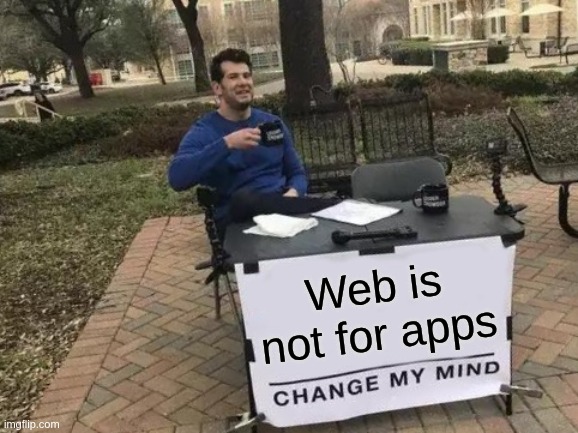
After years of work in a serious in-browser app, I found myself in a mood that “pure-web” is not designed for literally anything serious, beyond “place likes and swipes on endless stream of useless bullshit mistakenly called content ” or “jump between read-only pieces of (now auto-generated) garbage and disinfo.
What is not web designed for is the cross-platform no-installation applications development.
Here is the simplest proof: even with all these advancements web API got over last decades, there is still not available a reliable API a web app (ok, a web page) to save something larger than 1-2kb of plain text to browser in a way that would reliably will be saved no matter why page is being unloaded.
There are so many ways to “unload” page:
- Person types new address to address bar and navigates there right as app does something finite but asynchronous in nature.
- If page has links to other pages opening in this tab and persons clicks such link – navigating to other page in current tab, see above item in this list.
- close browser window or tab.
- switch to another tab with current moving to background, and depending on implementation, no guarantee that browser will keep background tabs “alive” even for time until browser window closed.
- On mobile platforms this goes worse – switching from browser to other app is another equivalent of “switching to another tab”. Mobile OS can drop running but at-front/current app out of existence, without too much of care about what it does. Browsers have deal with this quickly so they can’t dispatch too much events to pages about this.
The list probably not full. Lets restrict these options to desktop platforms only and drop away mobile-specific scenarios.
Just go the simplest path: imagine an app, some editor of anything more complicated than 1 kb of text, and try to save something (editor state or description of operation being done) to the indexeddb as soon as visibilitystatechange event happened due current tab being hidden.
Yes, you can send some http requests to app server. But what of browser/device is offline now? E. g. due airplane mode or due to connectivity glitch or power outage rendering communication devices like wifi-router a dead brick for time of power outage, and few minutes after?
One may suggest to use indexedDb via service worker with interception of fetch requests to special urls like /api/local/queue-action which does not exist at the web server, with usage of fetch event of ServiceWorker. But will such requests keepAlive requests be respected with the browser lifecycle for pages? What if operation being processed require more than 1 fetch requests? Which is surely very likely to happen for any more or less sophisticated app.
Yes you can say it is some grumpy rant of some not-so-skilled developer who never used the Service Workers (just because did not have any tasks at hand which required them).
What i think web platform needs is combination of these:
- Adding a kind of
keepAliveflag on IndexedDb transactions to be completed/commited even after thevisibilityStateChangeevent completed. - Adding a special method like
waitForAllat thevisibilityStateChangeevent ofwindowthat would wait for all promises provided before marking the handling ofvisibilityStateChangeevent completed.
Both above mechanisms can have some reasonable timeout after which the JS events loop stopped and window thread discarded anyway if it takes so long, like 5 seconds. Page can ask for longer timeout, e. g. via waitForAll call with options coming as first parameter, or via other different method waitForLallLonger where these options can be supplied. Page can call beforehand, e. g. when it can decide by own logic it will have to save more data, or larger piece of data to call some different API, like requestLongerShutdown(timeoutMS) to be added to navigator.storage or to indexedDb or to navigator itself, but not longer than some specific time, e. g. 1 minute.
Having such API available to web pages, it would be possible to avoid usage of beforeUnload and alike when app has some changes to be persisted, and then web page could just stop data processing when tab is hidden, and remember where to resume from when it visible again, or give a chance to reopen the flow and continue the processing from the previously saved state…
But all this is just a grumpy dreaming. In reality, years of work on some web app seems to be jeopardized by inconsistencies between various parts of Web API, where all more or less usable storage APIs are async in nature while there is no way to ask to save some data on visibilityStateChange when page is being hidden, no matter why.
One can say we should stop to elevate more and more expectations from web pages. But today more and more complicated pages are being created out of JavaScript glue, designed in 10 days to implement a bit of interactivity at web pages, which grown up now into own ecosystem of software development, not web pages creation. As result, people expect that their work and data will be “reliably saved” by web page in same way how it is likely to happen on a desktop app.
We can’t stop now and demand from common people to treat something, e. g. “web pages” – as something more limited than a desktop app,and have different expectations from web apps and desktop apps.
Well, some can say that we can to impose such requirements on people, to be more technical, and so on, but “good luck” with that. It never worked.
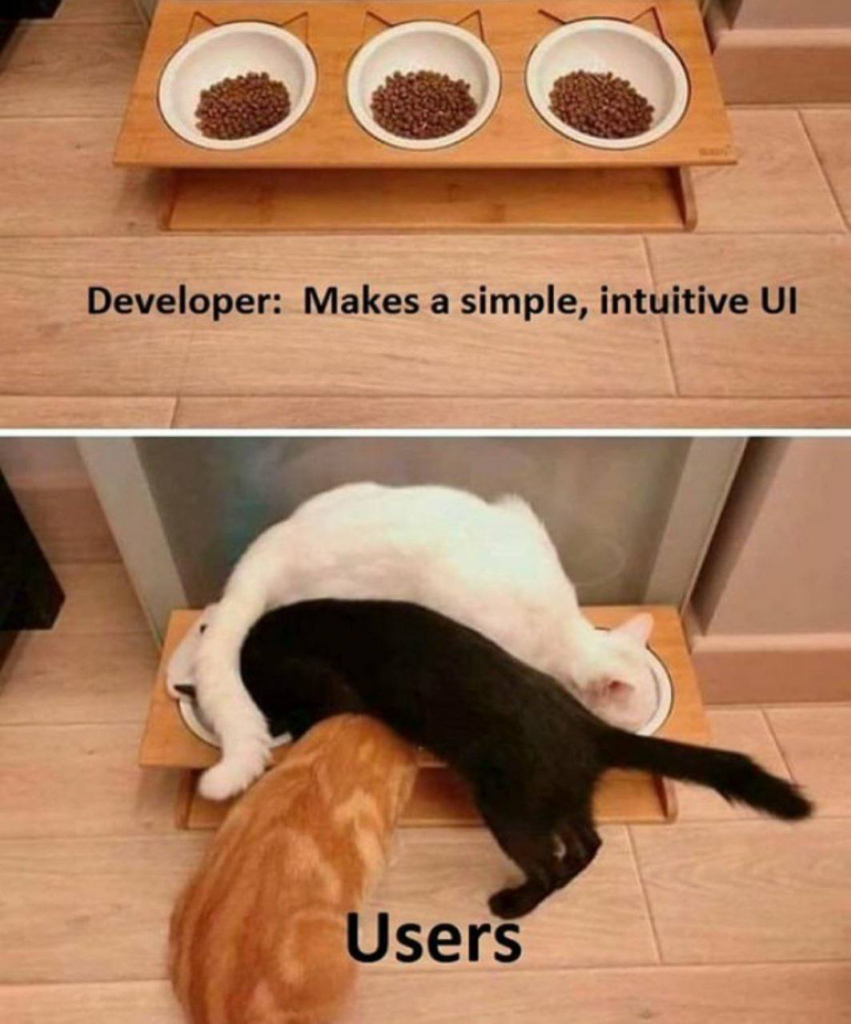
we use Web API how it was not intended, not for what it has been ever designed. And people do the same – use web apps we create not the way we expect.



Leave a Reply