
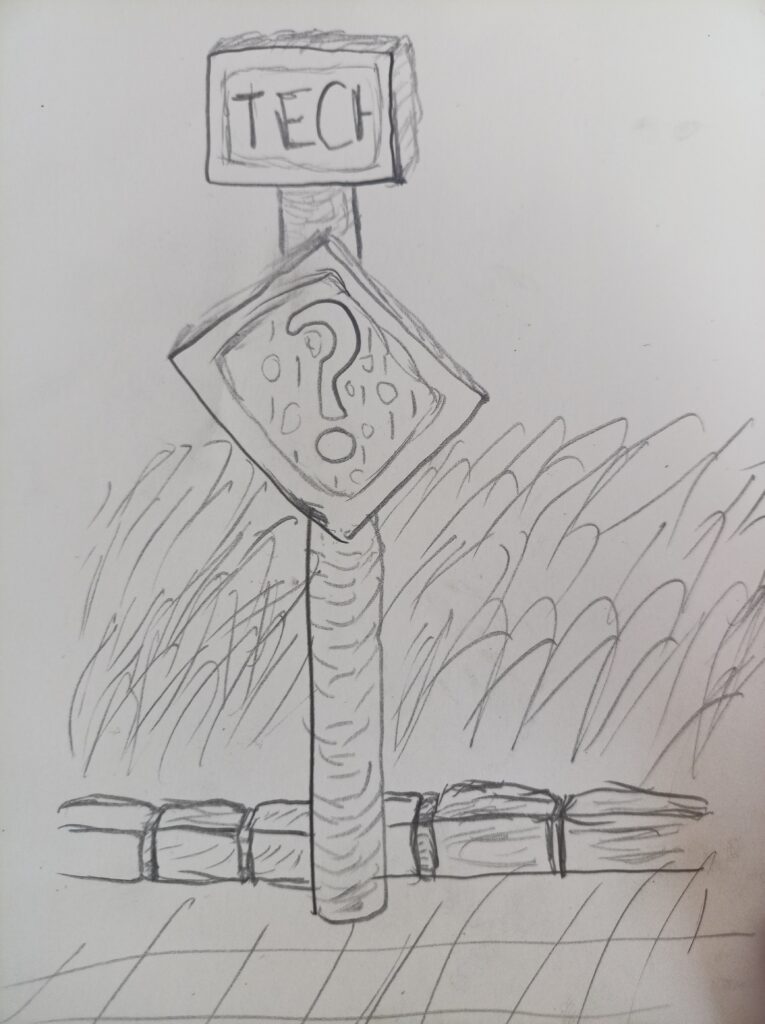
First I would say something not related to post contents. This time I decided to not use an AI generation or search for a stock photo, but draw a simple sketch as an illustration.
After experiencing what happens if you setup the Chatmail relay on same domain where I have the normal email, I wondering about something like what Yunohost does, when there is some fancy admin UI to configure all this, add and remove accounts there without command line or with dedicated commands set like “accounts add username” but with latest Chatmail and matrix server with shared accounts space?
I understand that these protocols are completely different, I just want to be sure I can share addresses like
magical_cat@stove.legends.house // for chatmail & DeltaChat but not "default email" like site registrations or e-commerce websites/shops.
magical_cat:stove.legends.house // for Matrix & Element
@magical_cat@stove.legends.house // for ActivityPub direct messages
with option to share these identifiers and links here at blog.
Ideally it would be nice also have something like
@magical_cat@cinema.legends.house //for videos shared on activity pub from PeerTubeYou can say that easiest way to have that is to use the yunohost and install these apps on separate subdomains but I want to either reuse domain where possible, or use the latest codebase of these programs. And I want to set it up in following way:
- For such account it should have some kind of profile data synhronized across apps and managed at single place, ideally some backend page.
- If I would specify some email address like magical_cat@legends.house for such account, software should send the notifcations there, let it be password reset or notification about direct message/comment.
- Ideally it should work like shared accounts provider for all these apps, keeping accounts info including email, username (and optionally password? But this is not mandatory thing) in sync across apps.
You would say I should just use Yunohost, but I want to get it working such way using the latest software versions of e. g. chatmail relay and matrix, and ideally – briar relay.
To be honest this all looks like mutually exclusive requirements of using latest versions and shared accounts list, and the expectation it would work on shared domain is something that is beyond capabilities of today tech. May be I would be able to use chatmail and one other messeging protocol on same domain but only because it would use email ports. If chatmail and matrix relay will have to live on different domains, I would have to be creative in these subdomains to keep it fun, like mailbox for chatmail, stove for matrix relay, closet for briar relay and cinema for PeerTube and so on, but keeping this blog on root domain of legends.house and managed WordPress service of Hostinger.
Who else had setup like that with or without Yunohost on same VPS, with or without container manager?
PS: special feedback I like to hear about idea to use a sketch drawn by hand in few minutes as the illustration for blog post, and this illustration as example of such tactic.
PS: I am not making a choice between DeltaChat & Matrix, not because I want avoid some holywar between these protocols, but because I want to try to use both where appropriate. I not have too much of contacts, so may be it is about getting experience of setting it up, mostly.







Leave a Reply